Packaging process
What a dieline is and why it defines the packaging project
A dieline is the flat technical drawing of a package. It shows the cut and fold lines, the bleed and the safety areas, and serves as the basis for building the artwork before printing. Because a mistake at this stage tends to repeat across the whole print run, the dieline should be defined before the graphic design.
What a dieline is, in practical terms
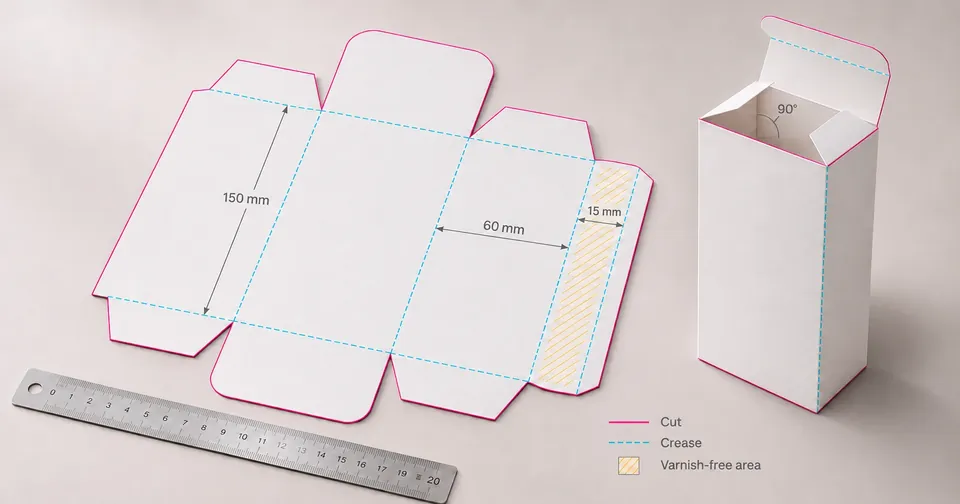
A dieline is the technical flat layout of a package: the drawing, at actual size and in flat view, that shows where the material will be cut and where it will be folded. It has no brand colors or photographs. It is the geometric structure on which the graphic artwork is built.
In practice, the dieline is what the printer or the supplier uses to turn a printed sheet into a box, carton, folded leaflet or a label that wraps a bottle. That is why it is the starting point between the design project and production.
What the dieline shows
A well-built dieline includes, at a minimum, the information below. The names may vary between suppliers, but the function is the same.
- Cut line: the final outline of the piece, where the blade passes.
- Fold line: the creases that let the package be assembled without tearing the paper or the board.
- Bleed: the extension of the artwork beyond the cut line, so that no white edges appear if the cut lands slightly off the planned position.
- Safety area: the inner margin where text and important elements should stay, away from folds and edges.
- Finishing areas: regions for varnish, embossing or hot stamping, when planned.
- Reserved zones: spaces for the barcode, batch number and expiry date, which usually have their own requirements.
| Element | What it is for | Who usually defines it |
|---|---|---|
| Cut line | Separates the piece from the material | Supplier or printer |
| Fold line | Allows folding without breaking the material | Supplier or printer |
| Bleed | Avoids a white edge after cutting | Design, together with the printer |
| Safety area | Keeps text away from the edge and the folds | Design |
| Barcode zone | Ensures the symbol can be read in the planned spot | Design, checked with the printer |
Why the dieline comes before the artwork
When the artwork is created before the dieline, the designer places text and images on a shape that is not final yet. Any change in measurement, fold or bleed forces parts of the layout to be redone. On packages with many faces, such as boxes with sides, bottom and a folded leaflet, the problem grows quickly.
With the dieline defined, the team works within real limits. It knows where the front face ends, where the side fold begins and what useful space is left for the information the segment requires.
How to build the dieline without rework
- Ask the supplier for the technical plan of the structure (box, carton, squeeze tube, bottle with label or sachet), with the final measurements.
- Confirm the cutting tolerance with the printer and record the planned material and finish.
- Define the bleed and the safety area before you start the layout.
- Mark the regulatory areas: mandatory text, barcode, batch number and expiry date, according to the rules of your segment.
- Validate the set with a mockup or a physical prototype before the final proof.
Common mistakes found in the dieline
- Important text placed over the fold line or too close to the edge.
- Barcode without a free quiet zone, or cut by a fold.
- Forgetting the back, the sides or the closing flap, which also need artwork.
- Using the catalog measurement of the model instead of the measurement given by the structure supplier.
- Building the artwork in a file that does not match the approved dieline version.
Frequently asked questions
Is a dieline the same thing as final artwork?
No. The dieline is the geometric structure of the package, with cuts and folds. The final artwork is the file with definitive text, images and colors, built over the dieline and ready for printing.
Who makes the dieline?
Usually, the technical plan comes from the packaging supplier or the printer, and the designer builds the artwork on top of it. When the structure is new, the drawing can be created together, with prototypes to validate the measurements.
What format is the dieline sent in?
It is usually sent as vector PDF or in the native format of the design software, depending on what the printer asks for. Confirm this before starting the artwork, because conversion can change measurements and lines.
What is bleed for?
Bleed extends the artwork beyond the cut line. So, if the blade cuts a little outside the planned position, no white stripe shows on the edge of the piece.
Sources and references
Keep reading
Artwork review Artwork review checklist before sending to the printer
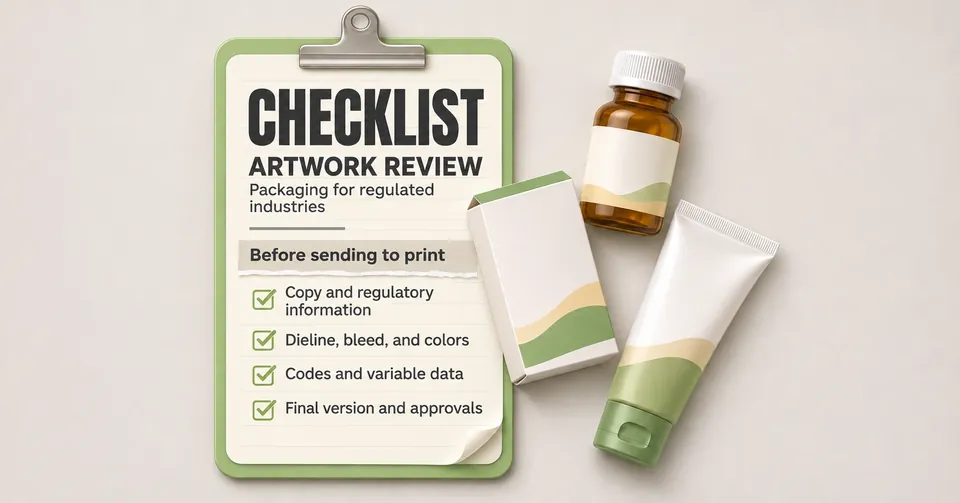
Before releasing the artwork for printing, check the regulatory texts, the file version, the barcode, the bleed, the colors and the approvals. A structured checklist reduces reprints and delays, especially on packages with labeling requirements.
Read articlePackaging technical GS1 barcode on the package: what to check before printing
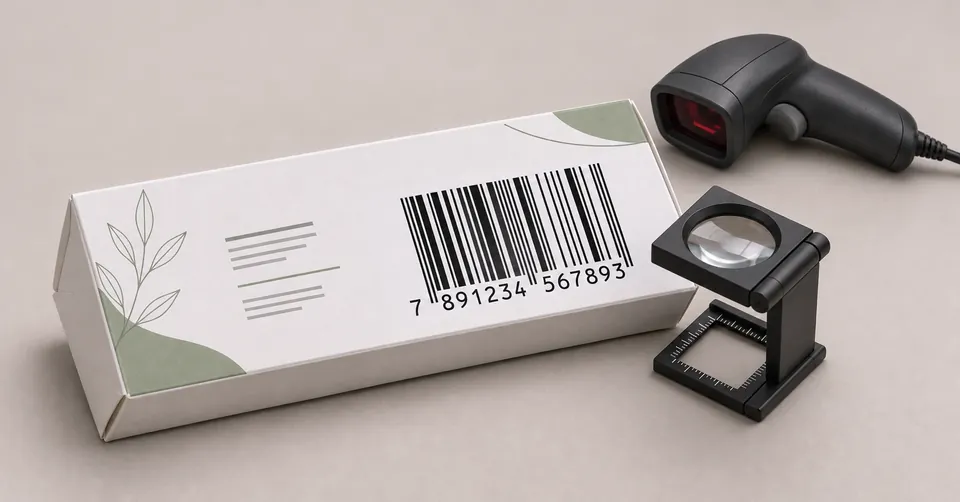
The GS1 barcode identifies the product at retail and in tracking systems, based on a registered GTIN number. Before printing, check that the number matches the product, choose the symbol suited to the package size and ensure contrast, quiet zone and a tested reading.
Read article