Artwork review
Artwork review checklist before sending to the printer
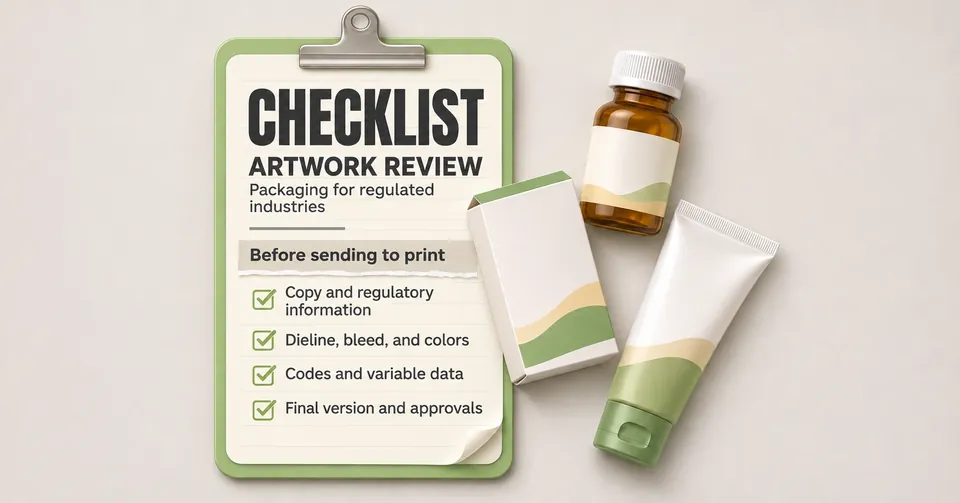
Before releasing the artwork for printing, check the regulatory texts, the file version, the barcode, the bleed, the colors and the approvals. A structured checklist reduces reprints and delays, especially on packages with labeling requirements.
Why review the artwork before printing
Once the artwork goes to the printer, every correction costs time and money: plates are remade, the print run is discarded and the launch can be delayed. A text, version or barcode error usually goes unnoticed by the design team, because whoever created the artwork already knows the content.
A review with a checklist separates the technical check from the content check, and requires a record of approval. This makes the process predictable, even when the team changes.
Checklist in five blocks
1. Content and regulation
- Texts checked against the package insert, the registration or the approved product data sheet.
- Active ingredient name, concentration and pharmaceutical form identical to the approved document.
- Warnings, symbols and mandatory statements present in the current version of the rules for your segment.
- Spaces reserved for batch number and expiry date placed as the applicable requirement demands.
2. Version and traceability
- Version number visible in the file and in the file name.
- Record of the changes from the previous version, with the reason for each change.
- Approval recorded by whoever has authority in the workflow, with a date.
- Old version archived, so it is not sent by mistake.
3. Print preparation
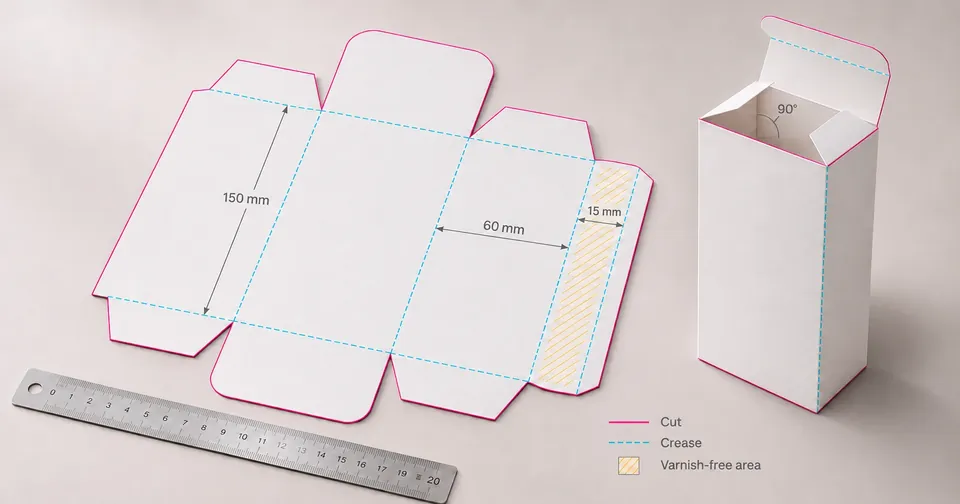
- Bleed and safety area checked on the dieline.
- Fonts converted to outlines or embedded in the file.
- Images with resolution suited to the final printed size.
- Colors defined in the mode and profile the printer uses, with a color reference approved by the client.
4. Codes and legibility
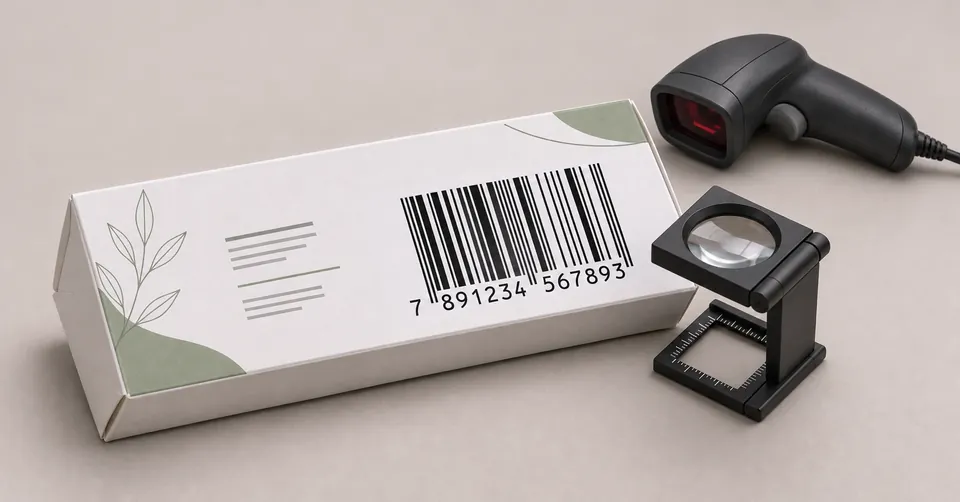
- Barcode with enough contrast and a quiet zone free of text and patterns.
- Code number checked against the company's product registry.
- Minimum size of mandatory texts according to the standard of the segment.
- Braille, when required, placed according to the applicable rule.
5. Final proof
- Approved color proof or physical proof before the print run.
- Finishes (varnish, embossing, hot stamping) checked on the proof.
- Cut and fold tested on a prototype when the structure is new.
How to organize the approval
A simple workflow keeps the artwork from passing through no one. Each step has an owner and a record:
- Technical lead checks the content against the approved document.
- Regulatory affairs approves the regulatory text and the version.
- Marketing confirms names, claims and images.
- Design issues the final file with a version number.
- The printer receives the file and confirms in writing the version it will print.
Mistakes that cause the most rework
- Reviewing only the front face and forgetting the back, the sides and the folded leaflet.
- Changing a text in the PDF without updating the native file, leaving the two versions different.
- Approving a digital proof without checking the color on the physical proof.
- Sending the printer a file with fonts not embedded, which changes appearance on the equipment.
If your operation has many versions and frequent text changes, the artwork review can be structured as a recurring service, with a checklist and a change history per product.
Frequently asked questions
Who should approve the final artwork?
We recommend a workflow with at least one technical or regulatory lead and one marketing lead, with the approval recorded in writing, with a date and the version number.
Does the checklist replace the regulatory review?
No. The checklist organizes the check and reduces execution errors. The interpretation of the standard remains the responsibility of the company's regulatory team.
How many reviews are normal for a package?
It depends on the complexity of the product and the number of content adjustments. What matters most is that each version has a number, a reason for the change and a recorded approval.
Sources and references
Keep reading
Packaging process What a dieline is and why it defines the packaging project
A dieline is the flat technical drawing of a package. It shows the cut and fold lines, the bleed and the safety areas, and serves as the basis for building the artwork before printing. Because a mistake at this stage tends to repeat across the whole print run, the dieline should be defined before the graphic design.
Read articlePackaging technical GS1 barcode on the package: what to check before printing
The GS1 barcode identifies the product at retail and in tracking systems, based on a registered GTIN number. Before printing, check that the number matches the product, choose the symbol suited to the package size and ensure contrast, quiet zone and a tested reading.
Read article