Packaging technical
GS1 barcode on the package: what to check before printing
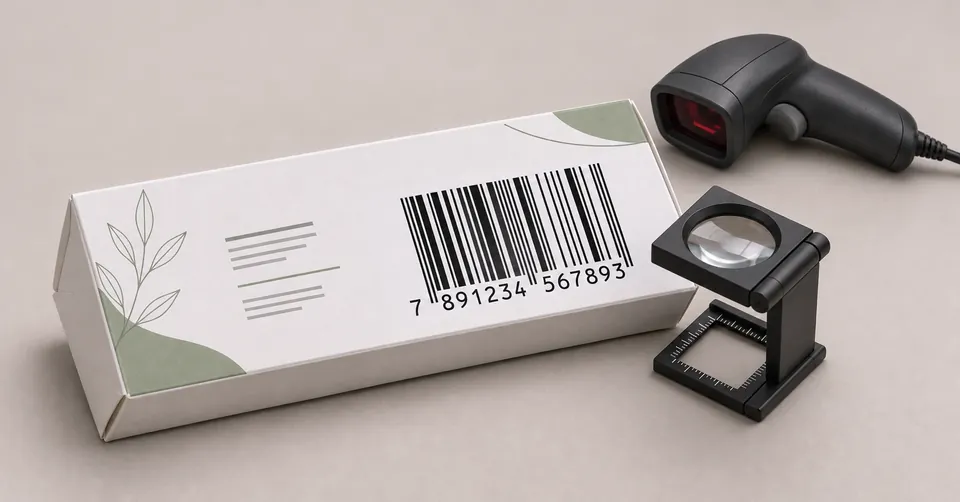
The GS1 barcode identifies the product at retail and in tracking systems, based on a registered GTIN number. Before printing, check that the number matches the product, choose the symbol suited to the package size and ensure contrast, quiet zone and a tested reading.
What the GTIN is and what the code carries
The GTIN (Global Trade Item Number) is the number that identifies a trade item. It is assigned by the company in the GS1 registry, the standards organization that operates in Brazil through GS1 Brasil. The symbol printed on the package only represents that number in a form a scanner can read.
That is why each different presentation of the same product usually has its own GTIN. A box with 30 units and one with 60 are, in general, distinct items, and each needs its own code. Changing the package without updating the registry is one of the most common causes of error.
Which symbol to use
The choice of symbol depends on the type of item and where it will be read. The most common ones on consumer and regulated product packaging are these:
| Symbol | Common use | Point of attention |
|---|---|---|
| EAN-13 (GTIN-13) | Retail packaging with 13 digits | It is the most common standard in Brazilian retail |
| GTIN-8 | Very small packages, without room for the EAN-13 | Uses fewer digits, but requires a specific registration |
| ITF-14 (GTIN-14) | Shipping cases and groupings of items | Not meant to be read at the retail checkout |
| GS1 DataMatrix | Applications that carry extra data, such as batch number and expiry date | Use defined by the regulation of each product |
Checks before printing
- GTIN number: identical to the registry of the product and of the presentation being printed.
- Contrast: dark bars on a light background. Colored, metallic or textured backgrounds reduce readability.
- Quiet zone: a free area around the bars, with no text, border or design, so the scanner can find the start and end of the symbol.
- Position: away from folds, seals and areas that will be curved. Confirm on the dieline.
- Size: the enlargement of the symbol is defined with the printer, respecting the limits of the chosen type.
- Number legibility: the digits below the bars must be visible and not overlapping.
Common mistakes
- Copying the code from an old artwork, with a different presentation or a different number.
- Generating the symbol from a number typed by hand, without checking it against the registry.
- Using an ink color with low contrast to match the layout.
- Placing the code over the fold of the package, where reading becomes distorted.
When to involve the traceability team
When the product requires information beyond the item number, such as batch number, expiry date or tracking identifiers, the definition of the symbol and the fields must be aligned with the regulatory lead and with whoever manages the company's data systems. In these cases, the design needs these definitions before the code area is laid out.
Frequently asked questions
Do I need a new code if I change the package size?
In general, yes. Each presentation of a product, with a different quantity or format, usually has its own GTIN. Check the company's GS1 registry before reusing a number.
What is the quiet zone?
It is the free margin around the bars of the code, with no text, lines or drawings. It lets the reader identify where the symbol starts and ends.
Can I generate the barcode myself?
The symbol drawing can be generated by software, but the number must come from the company's GS1 registry and be linked to the correct product.
Does the barcode replace the printed product information?
No. The barcode identifies the item for automatic reading. The mandatory product information continues to be printed as text, according to the regulation of the segment.
Sources and references
Keep reading
Packaging process What a dieline is and why it defines the packaging project
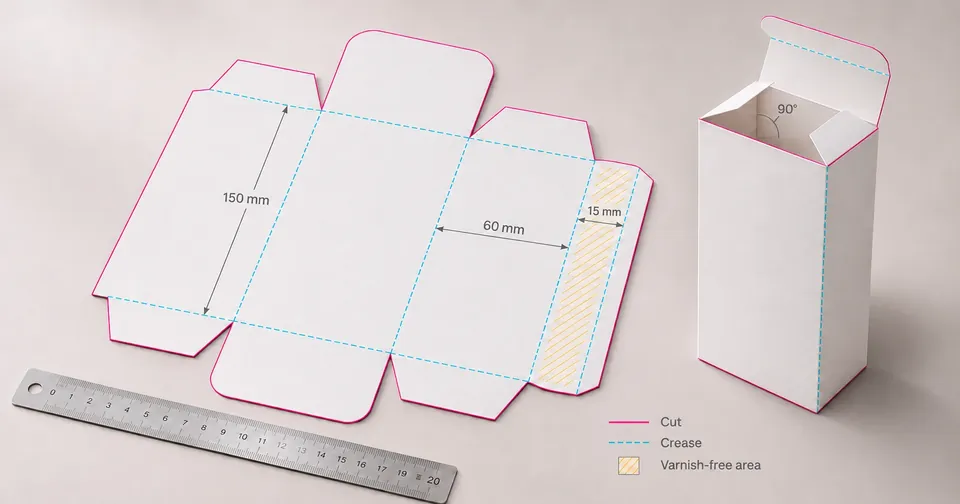
A dieline is the flat technical drawing of a package. It shows the cut and fold lines, the bleed and the safety areas, and serves as the basis for building the artwork before printing. Because a mistake at this stage tends to repeat across the whole print run, the dieline should be defined before the graphic design.
Read articleArtwork review Artwork review checklist before sending to the printer
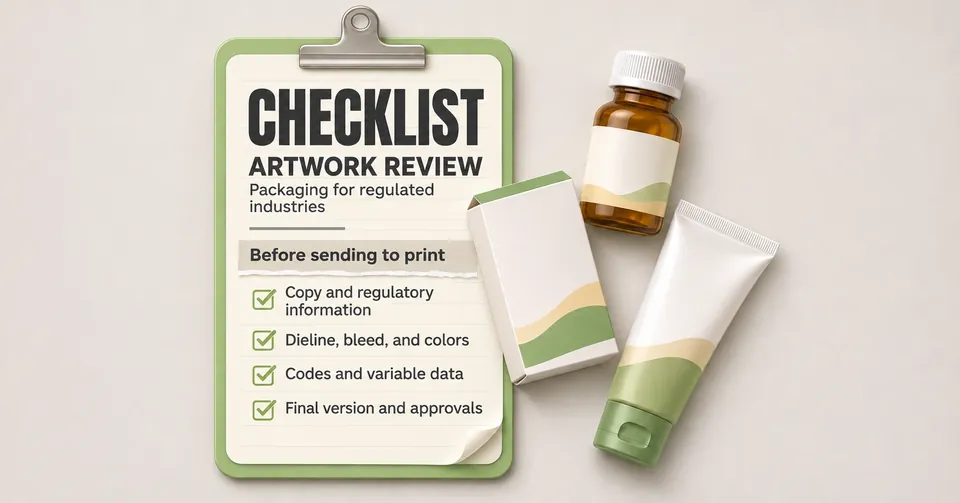
Before releasing the artwork for printing, check the regulatory texts, the file version, the barcode, the bleed, the colors and the approvals. A structured checklist reduces reprints and delays, especially on packages with labeling requirements.
Read article